|
No Packaging, No Shipping, No Waiting for the
postman: There is no shipping or packaging required for this
software, reducing its environmental footprint.
|
Step 1:
|
Add this item to the basket and go to the Checkout.
|
|
Step 2:
|
Once your order is processed we will send you the Product Key and
download link to install your software..
|
------------------------------------------------------------------------------
Millions of researchers, scholarly writers, students, and librarians use EndNote
to search online bibliographic databases, organize their references and images,
and create bibliographies and figure lists instantly. Instead of spending hours
typing bibliographies, or using index cards to organize their references, they
do it the easy way--by using EndNote! EndNote for Windows and Macintosh is a
valuable all-in-one tool that integrates the following tasks into one program:
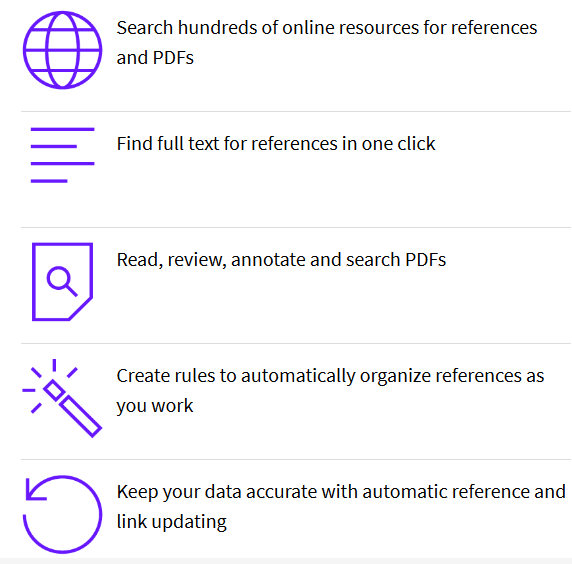
- Search bibliographic databases on the Internet
- Organize references and images in a database
- Construct your paper with built-in manuscript templates
- Watch the bibliography and figure list appear as you write!
Search bibliographic databases on the Internet:
- Using EndNote's Connect... and Search... commands, you can search Internet
databases just as easily as you can search your EndNote database on your
computer.
- Simply open any of more than 250 predefined connection files and you're
online and searching.
- Access hundreds of remote bibliographic databases, including ISI Web of
Science, many Ovid databases, PubMed, the Library of Congress, and
university card catalogs from EndNote.
- Search remote bibliographic databases using EndNote's simple search
window--no need to learn multiple search interfaces.
- Export reference directly from ISI Web of Science, Highwire Press, Ovid,
OCLC, ProQuest, and more.
- Save and load search strategies at the click of a button.
- Drag and drop references instantly to your own EndNote database in one
simple step. No additional importing required.
Organize references in a database:
- Create an unlimited number of databases: In EndNote, bibliographic data is
entered into a record by filling out a simple template that has the proper
fields displayed for a given type of reference. There are 28 customizable
reference types with up to 40 fields for entering reference and image data.
Store up to 32,000 records per database.
- Organize images, too: organize images including charts, figures, and
equations with a caption and your own keywords.
- Customize the references database display: click-sort column heading,
adjust column widths, choose fields to display.
- Preview formatted references: using the Preview pane in the database
window, you can preview selected references in over 1000 bibliographic
styles.
- Includes hundreds of import filters: There are many sources of
bibliographic data that can be used to help you build your EndNote database
of references. EndNote includes hundreds of customizable import filters for
a variety of online and CD-ROM database providers (e.g. Ovid, SilverPlatter).
You can create your own import filters as well. Once you've downloaded the
references in a tagged format, choose the appropriate import filter to
import the data into your EndNote database.
- Link your EndNote records to PDF files on the Web or on your hard drive:
Link your references to full-text articles or other material on the Web, or
PDF files on your hard drive using EndNote's Link To command. By
selecting the Open Link... command, EndNote automatically starts your Web
browser or application (i.e., Acrobat Reader), and presents the linked file
for viewing.
- Use Term Lists for consistent data entry: Term Lists store glossaries of
keywords, author names, or any other terms that are important to managing
your references. As you enter new terms, EndNote suggests terms from these
lists to facilitate data entry and to ensure terms are entered consistently.
Pre-defined Journal Term Lists are provided for biomedicine, chemistry, and
the humanities--complete with common abbreviations of journal names used in
bibliographies.
- Searching: The Search... command in EndNote offers a high degree of
flexibility and control in designing searches. You can limit your searches
to specific fields such as author name, year, or keywords. You can also
choose a general search, one that searches on all fields in a database.
- Global editing: Use the Change Text, Change Field, and Move Field commands
to modify existing references. These commands can automatically add a term
to all or some of your references. These are useful tools for labeling
groups of references as well as for fixing common typos or spelling
mistakes.
- Sorting: In EndNote, you can sort references on any fields you choose such
as year, journal, title, or label. You can sort on up to five fields in
either ascending or descending order. You can do an instant sort by clicking
on the column headings in the reference database window.
- Customize settings: The settings for customizing your EndNote database
display, bibliographic preferences, and other options are organized in one
easy-to-access preferences panel.
- Running EndNote on a network: use EndNote on a network and share databases
across mixed platforms.
Watch bibliographies appear as you write!
- Create instant bibliographies in Microsoft Word: Locate citations in
Microsoft Word with Cite While You Write technology. Watch the bibliography
appear as you insert citations in your manuscript.
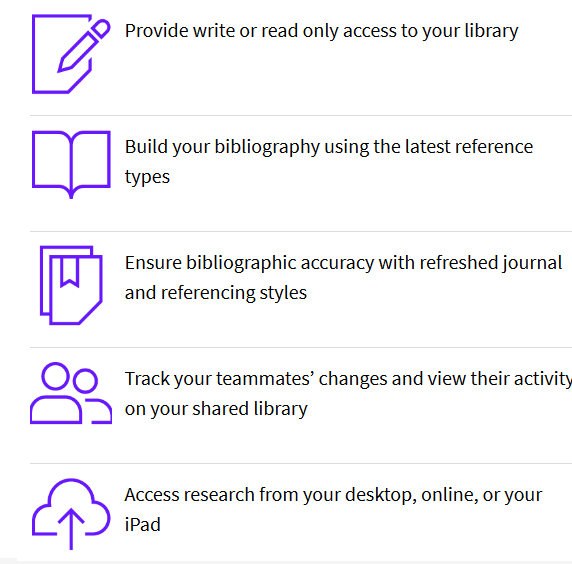
- Collaborate with colleagues easily: Collaborate easily with others as your
traveling library of cited references follows the Microsoft Word document.
When you're ready to send your paper to colleagues, the references travel
with it. Now you can capture references directly from colleagues’ papers
to use in your EndNote library with the new export traveling library
feature.
- EndNote handles even the trickiest bibliographic details: EndNote includes
bibliographic features that address a wide range of formatting issues in the
humanities, biomedicine, physical, life, and social sciences.
- Includes more than 1000 bibliographic styles: EndNote comes with more than
1000 predefined bibliographic styles for the leading journals. Each style
can be modified, or you can create new styles.
As a researcher, you are constantly juggling different roles,
dealing with competing demands on your time, and coordinating
not only your own activities in publishing research but also
those of your collaborators–around the department and around the
world.
EndNote X9 is the reference management software that not only
frees you from the tedious work of manually collecting and
curating your research materials and formatting bibliographies,
but also gives you greater ease and control in coordinating with
your colleagues.
Windows compatibility and system requirements
What you need:
- Windows 7 (SP1), Windows 8, Windows 8.1 or Windows 10
- 1 gigahertz (GHz) or faster x86-bit or x64-bit processor
- 600 MB hard disk space available
- Minimum 2 GB of available RAM
- CD-ROM drive required for installation of shipped
version (not required for installation of download version)
Word processor software
- Microsoft Word [Cite While You Write] for Windows: 2007,
2010*, 2013*, and 2016*
- Apache OpenOffice [Cite While You Write] for Windows:
3.x
- LibreOffice [Cite While You Write] for Windows: 4.x,
5.x, 6.x (32-bit)
- Partner integration for Cite While You Write: Wolfram
Mathematica® 8
- Format Paper: Word processors that save .rtf files:
|


















 :
: